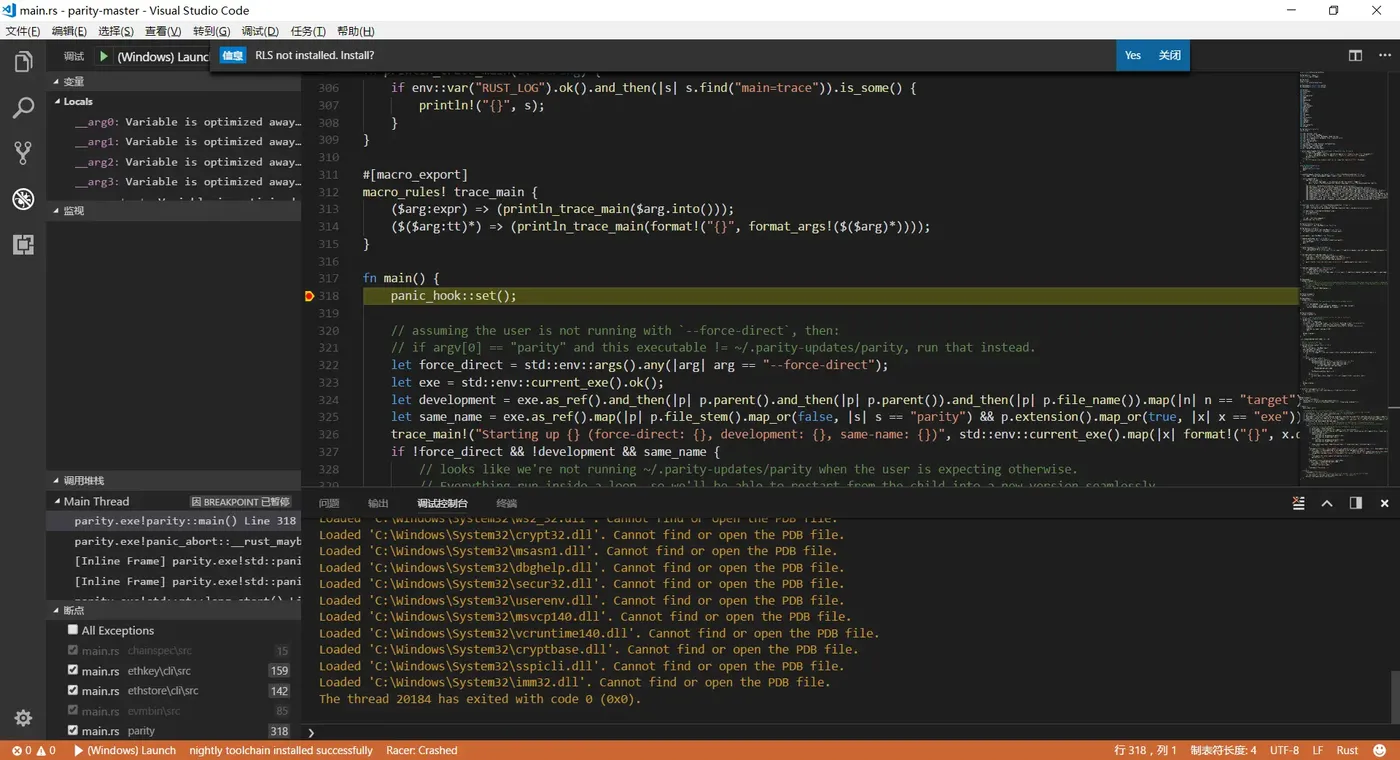
以前看Parity源代码的时候,一直用GDB调试跟踪。幸亏以前有Unix/Linux编程的底子,否则用GDB想死的心都有。最近发现Microsoft的VS Code,非常不错。把过程记下来,备查
首先下载VSCode
如果没有visual Studio的话,要下载Visual Studio Build Tool 2015
其次,启动VS Code,安装Extension
- ext install C++ -- 安装C++(Windows)
- ext install Debug -- 安装GDB,llDB
- ext install vscode-rust
然后,安装ToolChain
安装RLS参考:
rustup self update

rustup update nightly

rustup component add rls --toolchain nightly

rustup component add rust-analysis --toolchain nightly

rustup component add rust-src --toolchain nightly

rustup component add rust-src --toolchain stable

添加环境变量

set RUST_SRC_PATH=%USERPROFILE%.rustup\toolchains\stable-x86_64-pc-windows-gnu\lib\rustlib\src\rust\src

使用Cargo包管理器安装

cargo install racer

cargo install rustfmt

cargo install rustsym

WASM编译: 安装

rustup target add wasm32-unknown-emscripten stable
在VS Code中点击选择“Add Configuration", 这回自动在 .vscode目录下生成一个Launch.json。进行相应的修改,于本地环境相配。
这是我的Launch.json
{
    // 使用 IntelliSense 了解相关属性。
    // 悬停以查看现有属性的描述。
    // 欲了解更多信息,请访问: https://go.microsoft.com/fwlink/?linkid=830387
    "version": "0.2.0",
    "configurations": [
        {
            "name": "(Windows) Launch",
            "type": "cppvsdbg",
            "request": "launch",
            "program": "C:/dev/Coins/parity-master/target/debug/parity.exe",
            "args": [],
            "stopAtEntry": false,
            "cwd": "${workspaceFolder}",
            "environment": [],
            "externalConsole": true
        }
    ]
}
然后,编译RUST程序
Cargo Build
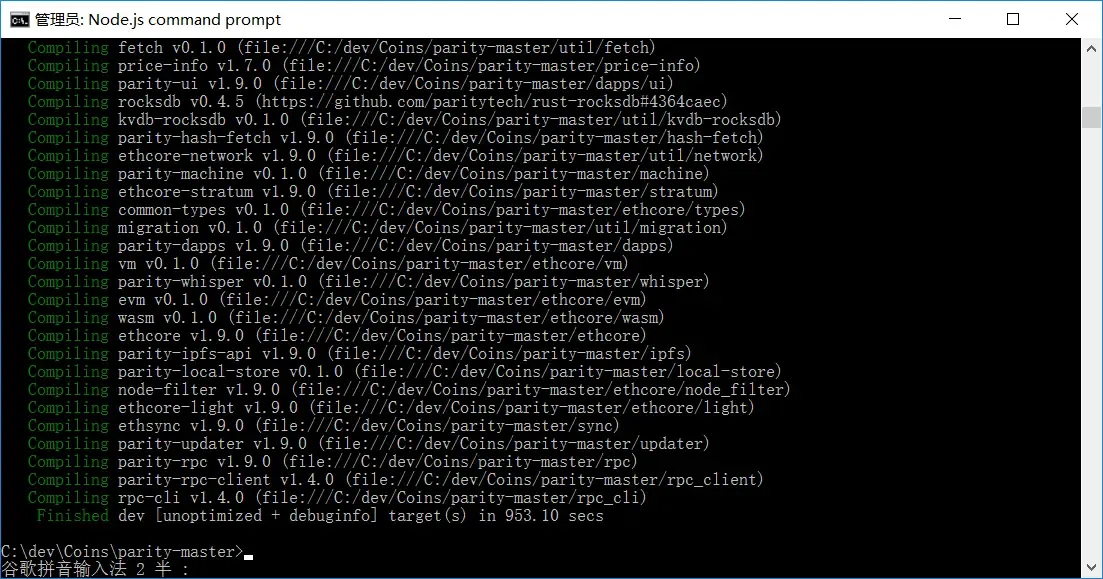
点击绿色的"play"按钮,Hola...