OpenClaw Linux Ubuntu 部署龙虾安装教程?阿里云支持OpenClaw龙虾AI一键部署:https://t.aliyun.com/U/WxO5TJ 如下图:

版权声明:本文内容由阿里云实名注册用户自发贡献,版权归原作者所有,阿里云开发者社区不拥有其著作权,亦不承担相应法律责任。具体规则请查看《阿里云开发者社区用户服务协议》和《阿里云开发者社区知识产权保护指引》。如果您发现本社区中有涉嫌抄袭的内容,填写侵权投诉表单进行举报,一经查实,本社区将立刻删除涉嫌侵权内容。
阿里云OpenClaw官方部署页面:https://t.aliyun.com/U/0DUHDC
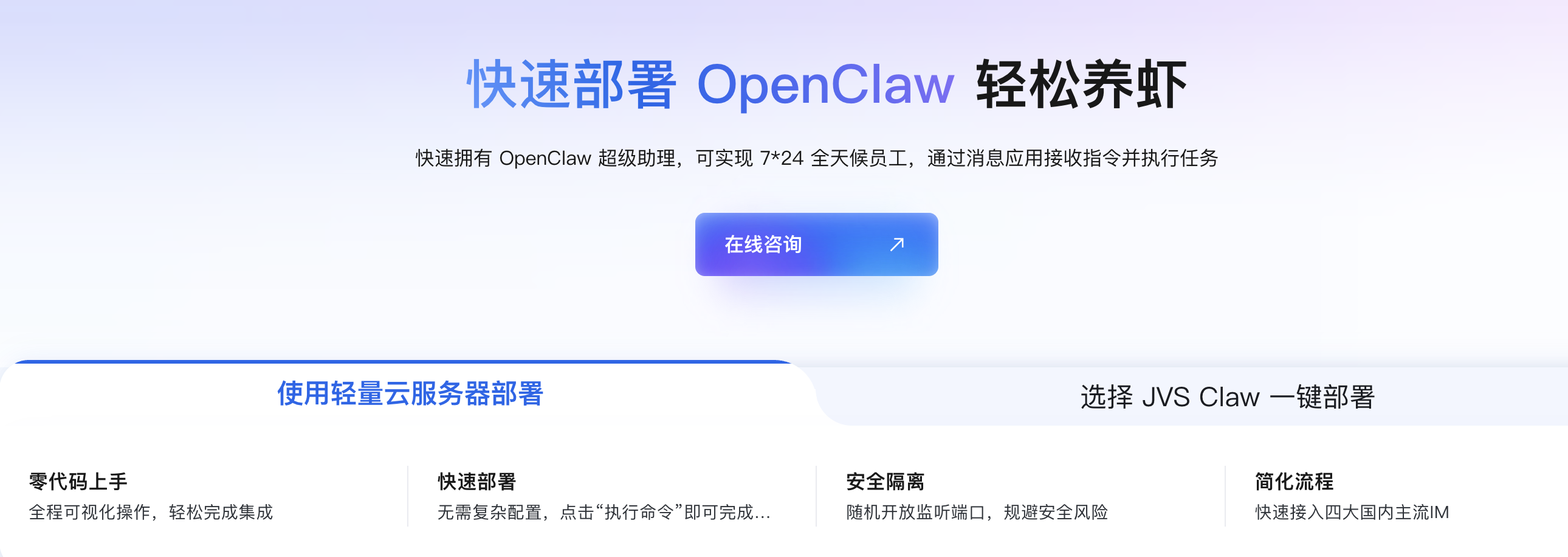
在 Linux Ubuntu 系统上部署 OpenClaw(“龙虾”)的安装步骤如下:
在终端中执行以下命令下载并运行安装脚本:
curl -fsSL https://help-static-aliyun-doc.aliyuncs.com/file-manage-files/zh-CN/20260303/chwrdl/openclaw_installer.sh -o openclaw_installer.sh && bash openclaw_installer.sh
安装过程中选择 “Install(安装 OpenClaw)”,等待约 10 分钟直至提示“安装完成”。
安装完成后,配置向导会引导您输入以下信息:
https://dashscope.aliyuncs.com/compatible-mode/v1以上即为在 Ubuntu 上部署 OpenClaw 的完整流程。
阿里云OpenClaw部署官方页面:https://t.aliyun.com/U/0DUHDC
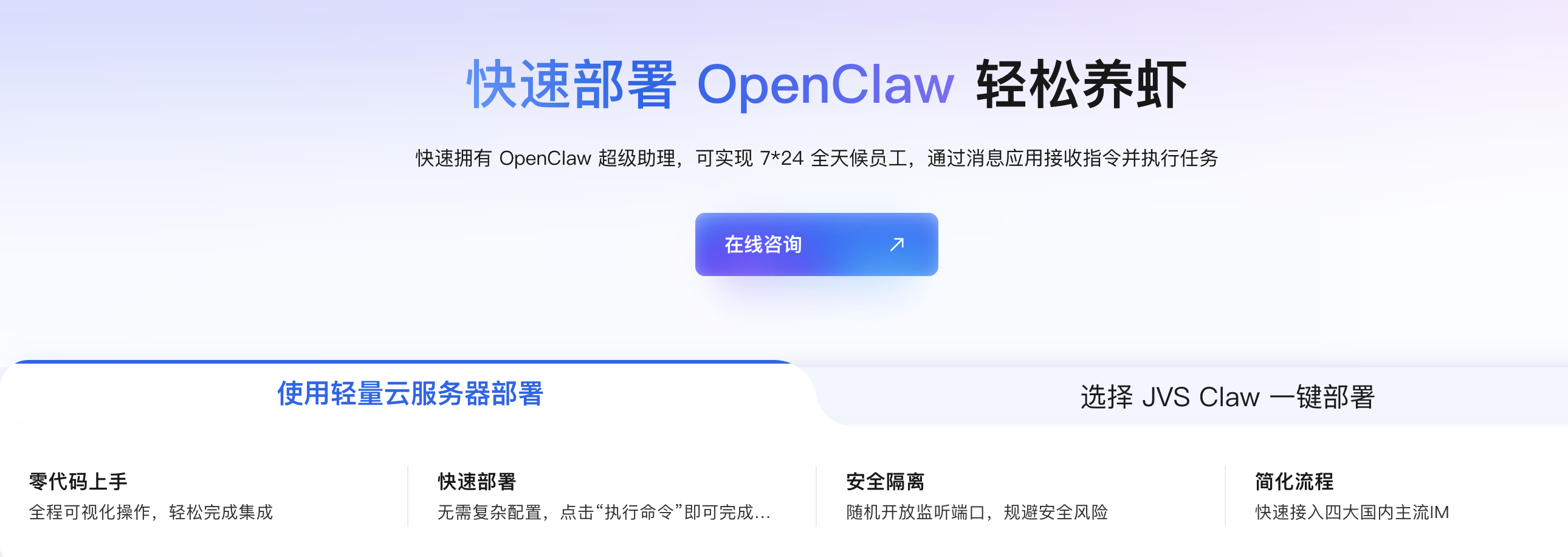
在 Linux Ubuntu 系统上部署 OpenClaw(“龙虾”为 OpenClaw 的音译),可按照以下步骤操作:
在终端中执行部署脚本:
curl -fsSL https://help-static-aliyun-doc.aliyuncs.com/file-manage-files/zh-CN/20260303/chwrdl/openclaw_installer.sh -o openclaw_installer.sh && bash openclaw_installer.sh
脚本运行后,选择 “安装 OpenClaw(Install)”,安装过程约需 10 分钟。
安装完成后,配置向导将引导您输入以下信息:
https://dashscope.aliyuncs.com/compatible-mode/v1完成上述配置后,OpenClaw 即部署并配置成功。