It comes from:
http://asvignesh.in/vmware-vcenter-5-5-you-do-not-have-permission-to-login-to-the-server/
Error:
---------------------------
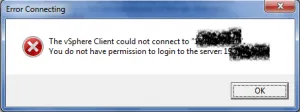
VMware Vcenter 5.1 and before the default behaviour was to allow all domain admins to login and administrate your ESXi hosts. Once the 5.5 vCenter installed if you try and connect using a domain account you will get the error :The vSphere Client could not connect to “FQDN / IP”. You do not have permission to login to the server: FQDN / IP
Solution:
---------------------------
To get domain credentials to work you need to login to the VMware vSphere Web Client and setup the relevant permissions.
So how to login to vCenter using web client if domain users are not allowed?
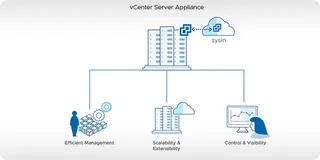
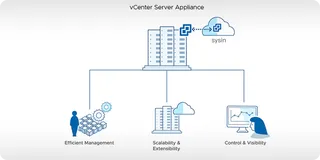
Well that will be the one you configured when you installed vCenter and known as the vCenter Single Sign on.
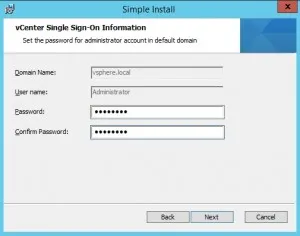
From my case the login would be administrator@vsphere.local and the password would be what I entered. Insert these details into the VMware vSphere Web Client and click Login.

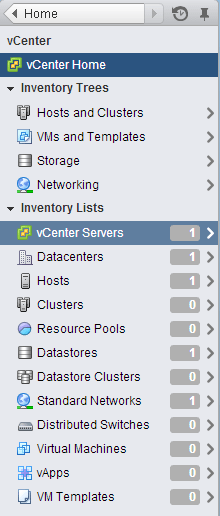
Once logged in you will see the vCenter Home.
Click on vCenter on the left hand side , Then click on vCenter Servers
Click on your vCenter server on the left. Then click manage on the right.
Click on the permissions button
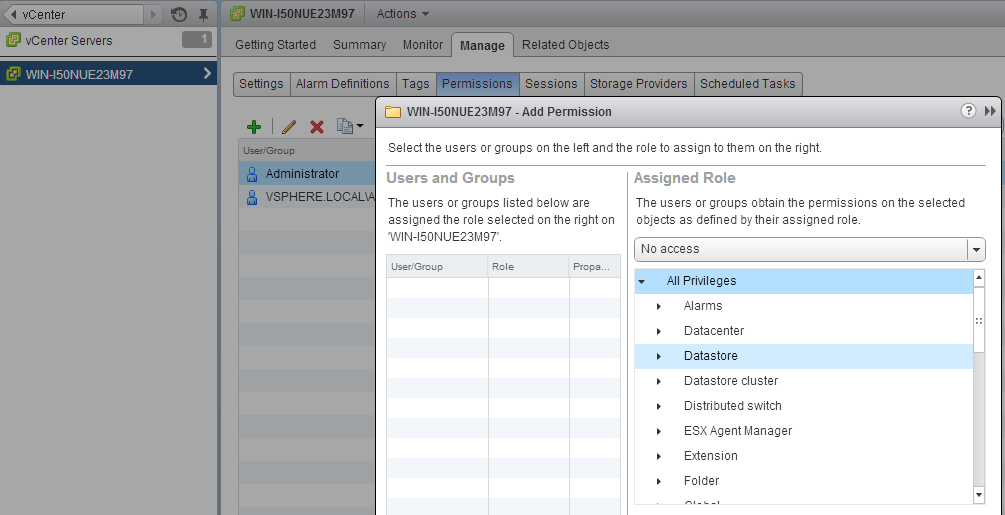
Then add your relevant groups / users who you want to administrate your ESXi hosts.

Set the privileges to the user
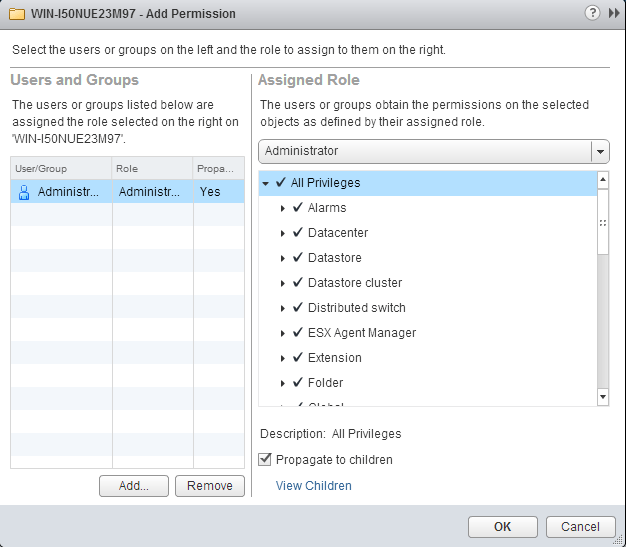
Now you are allowed to login using that particular account to access vCenter Server
P.S.
VMware vSphere Web Client is need to set the intial login.
Even the administrator is out of the permission list, we can also use the username vsphere.local\administrator to login Vcenter via vphere client.
After login to , just check the role management, drop the administrator into this user list; you can also join other user locally into this group and grant administrator privilege.
Please refer to the following article for you deeply understanding this issue:
Error Connecting to vCenter Server, using the vSphere Client after initial installation.
本文转自 zhangfang526 51CTO博客,原文链接:http://blog.51cto.com/zhangfang526/1775804