CentOS7下部署Cobbler实现PXE+Kickstart自动化安装的操作步骤
1、使用腾讯软件源站点https://mirrors.cloud.tencent.com/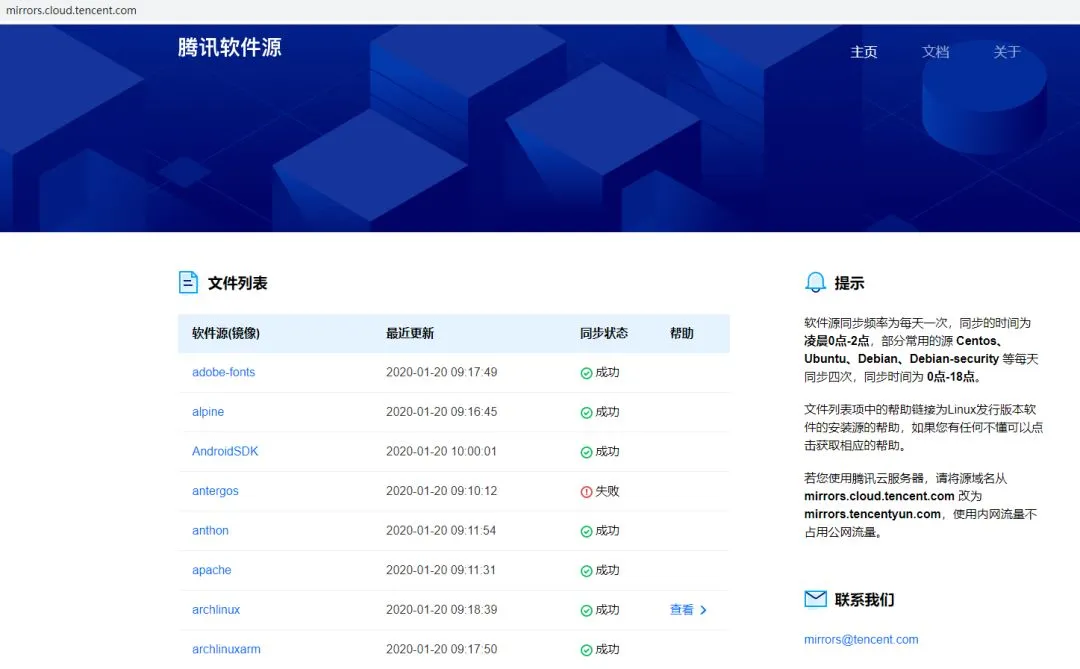
下载epel镜像源配置文件
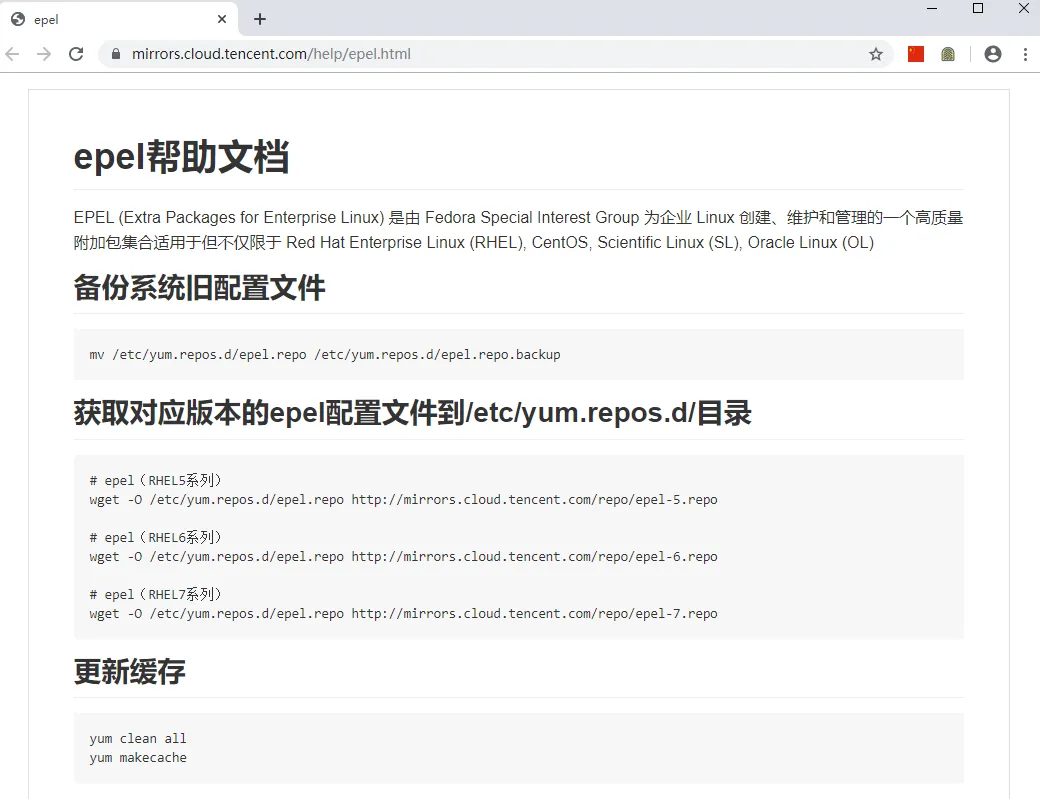
wget -O /etc/yum.repos.d/epel.repo http://mirrors.cloud.tencent.com/repo/epel-7.repo

2、 yum install cobbler cobbler-web
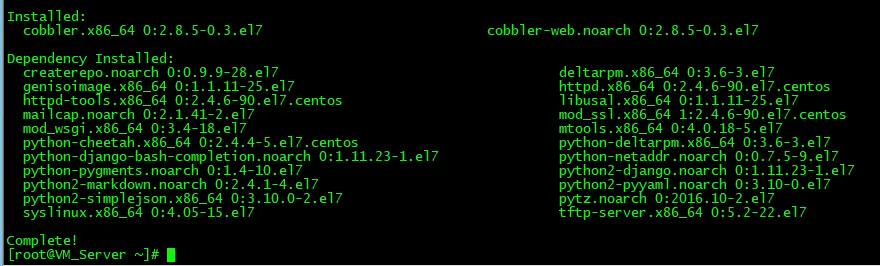
3、安装cobbler会用到的一些组件包
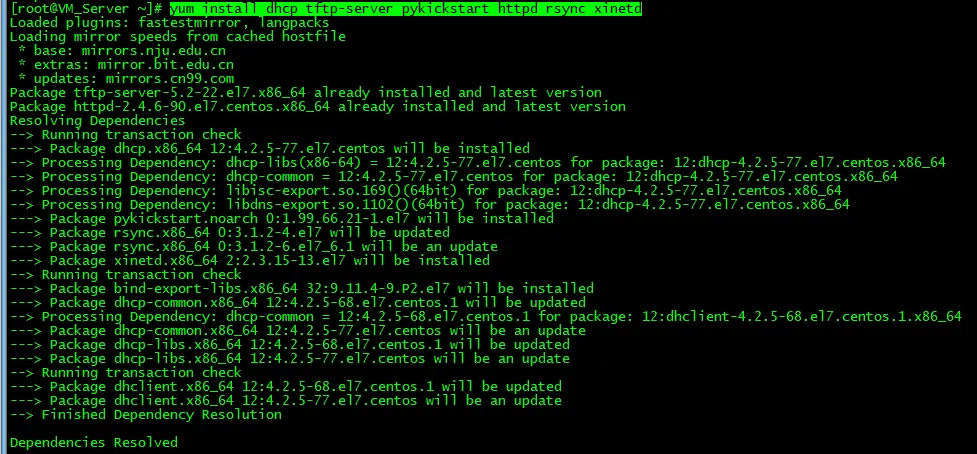
yum install dhcp tftp-server pykickstart httpd rsync xinetd
4、启动cobblerd和httpd服务
systemctl start cobblerd.service
systemctl start httpd.service
cobbler check检查配置
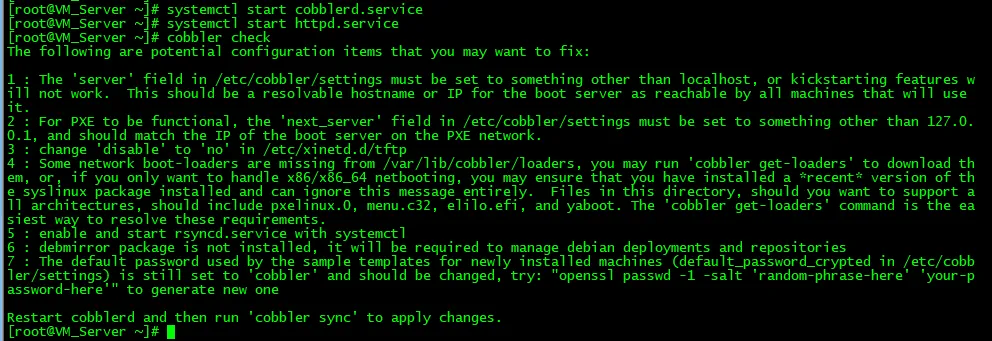
5、根据上面cobbler check检查配置给出的提示,一一进行配置
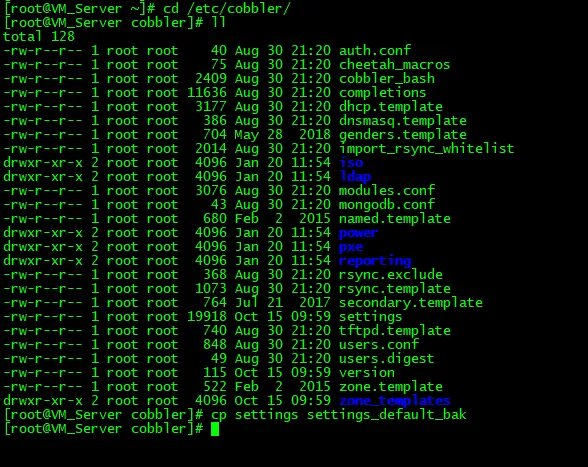
1)cd /etc/cobbler/
cp settings settings_default_bak
2)278行net_server:127.0.0.1改成192.168.31.200

390行server: 127.0.0.1改成192.168.31.200

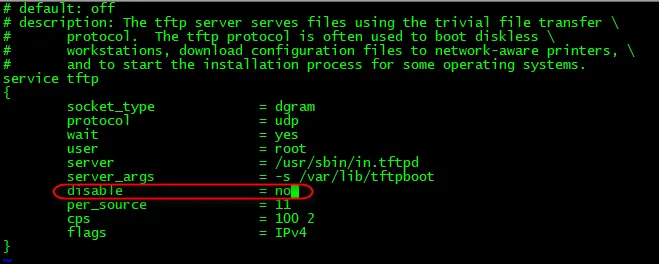
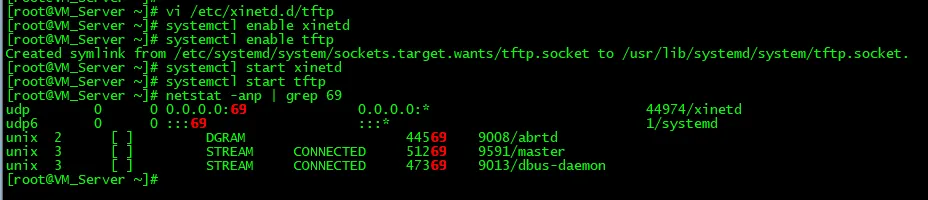
3)vi /etc/xinetd.d/tftp
改disable=yes为disable= no
然后
systemctl enable xinetd
systemctl enable tftp
systemctl start xinetd
systemctl start tftp
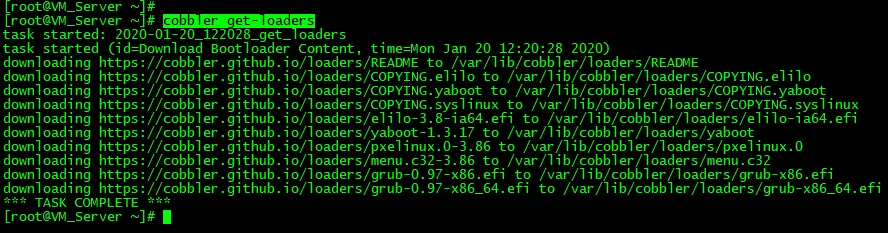
4)cobbler get-loaders
下载操作系统引导文件
5)启动rsyncd服务,并设为开机自启动
systemctl enable rsyncd
systemctl start rsyncd

6)vi /etc/cobbler/dhcp.template
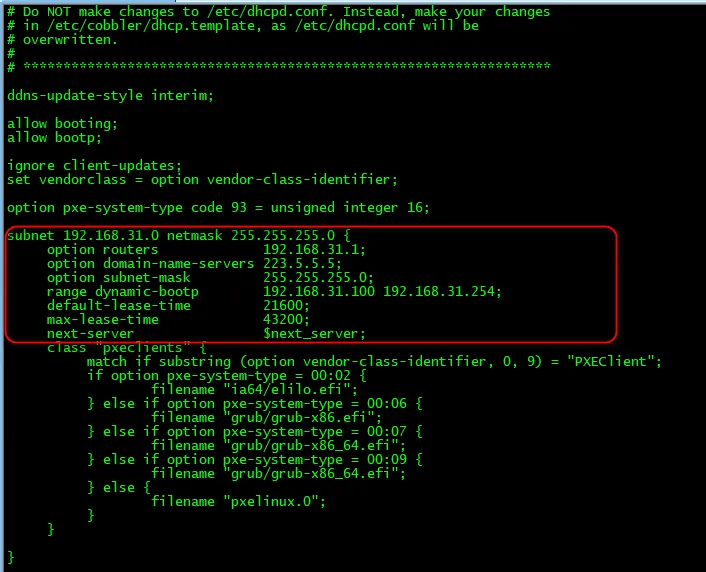
7)vi /etc/cobbler/settings
manage_dhcp: 0改为manage_dhcp: 1

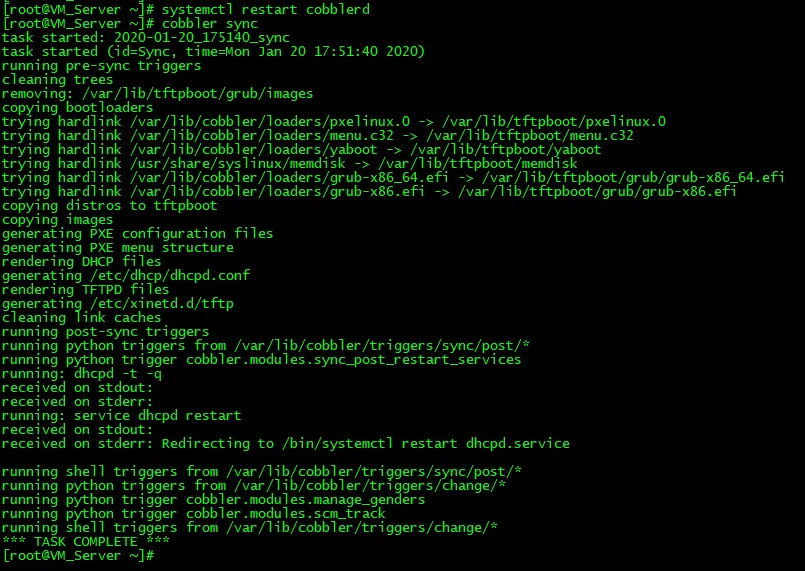
8)重启服务,同步配置文件
systemctl restart cobblerd
cobbler sync
9)cobbler check检查配置


10)openssl passwd -1 -salt 'root' 'admin@2020'
vi /etc/cobbler/settings
default_password_crypted: "$1$root$afc2RZysD6SOx07LLBnwB0"
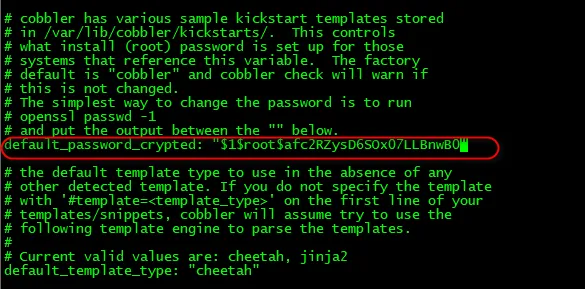
这时再重启cobblerd服务
systemctl restart cobblerd
cobbler sync同步配置
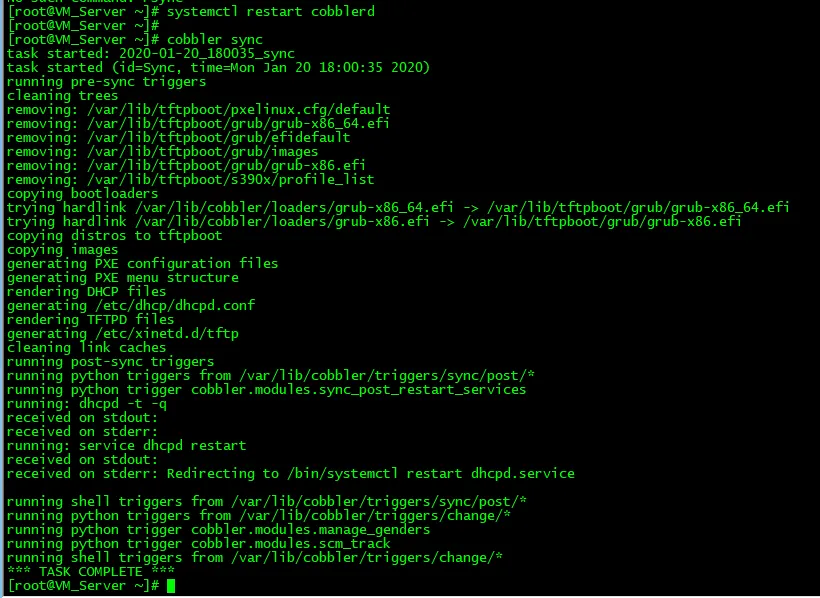
cobbler check 这时只有一个无关紧要的提示项

6、配置基本完成后,挂载CentOS7.7.1908版本的官方ISO镜像包
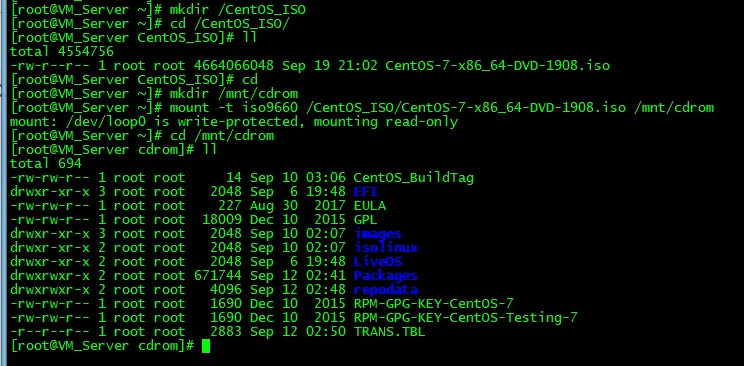
7、导入镜像
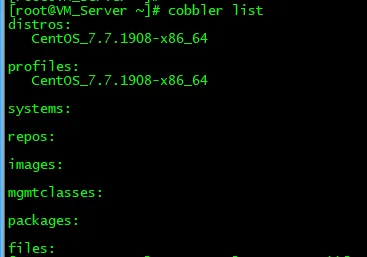
1)cobbler import --path=/mnt/cdrom --name=CentOS_7.7.1908
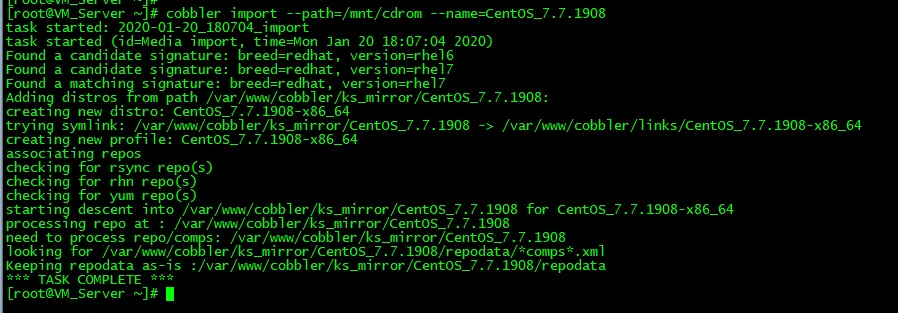
2)cobbler list
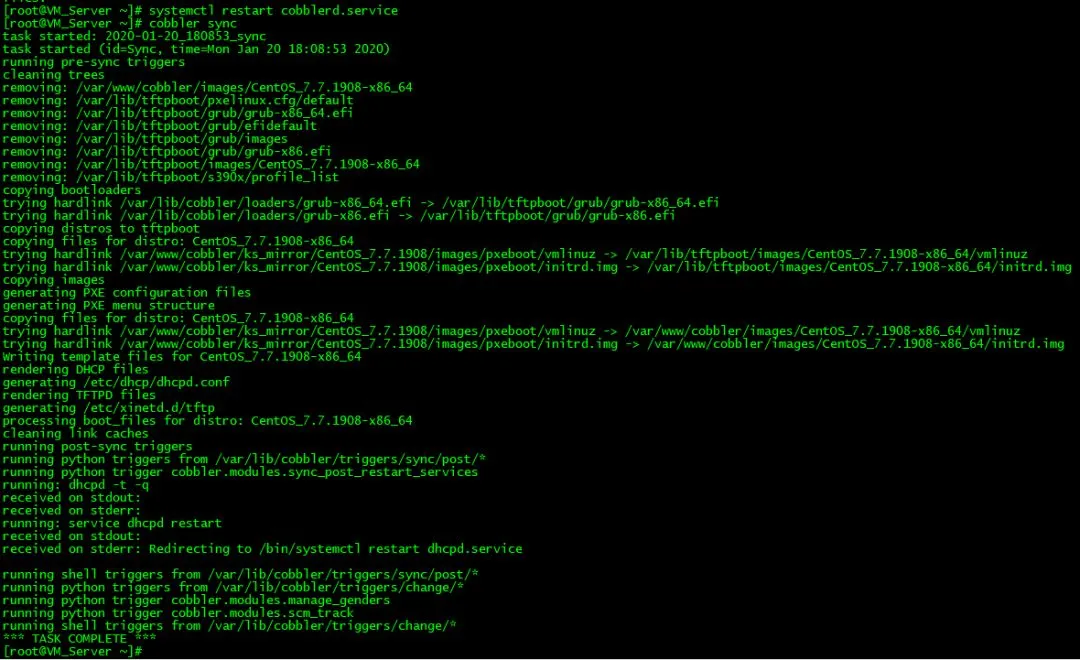
3)systemctl restart cobblerd.service
cobbler sync
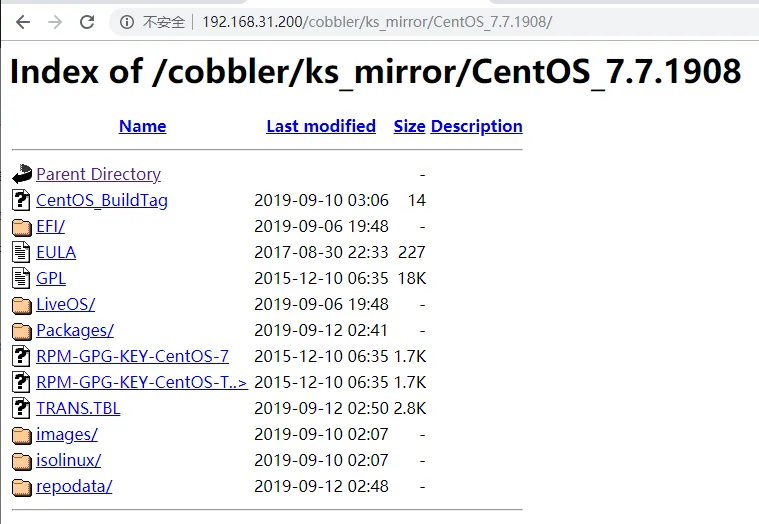
8、验证Web是否可以正常访问
http://192.168.31.200/cobbler/ks_mirror/
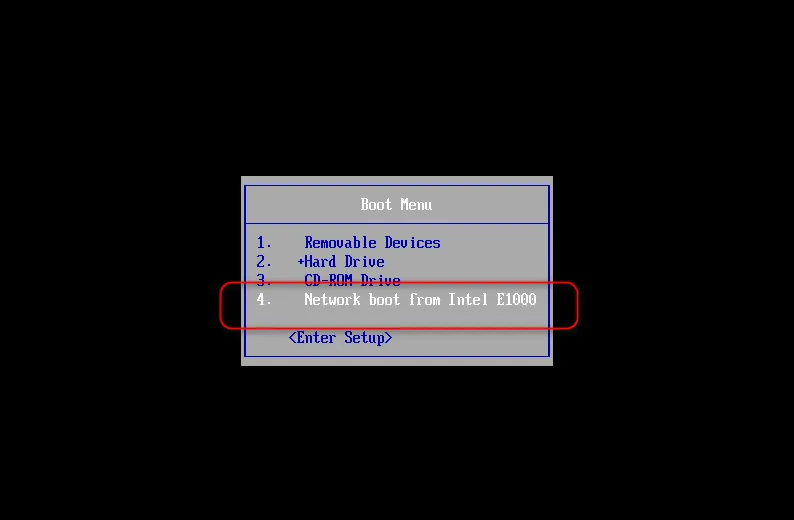
9、新建一台虚拟机,测试PXE安装
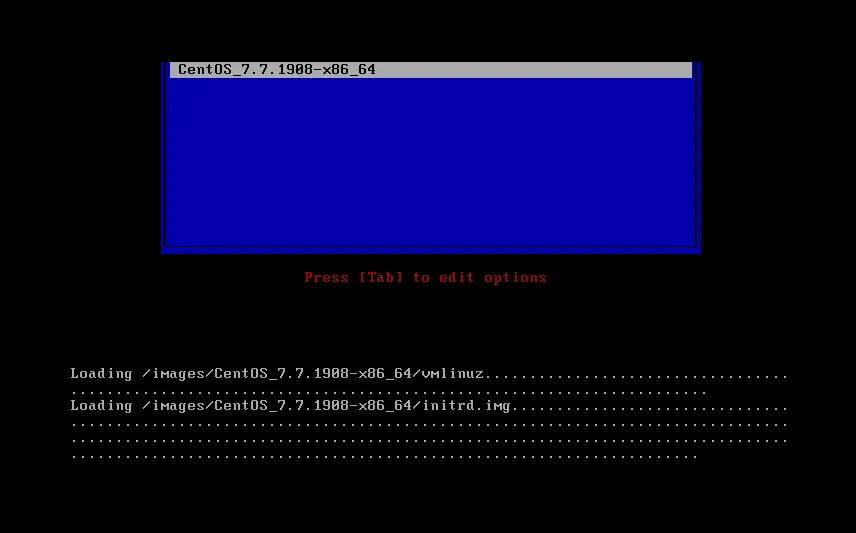
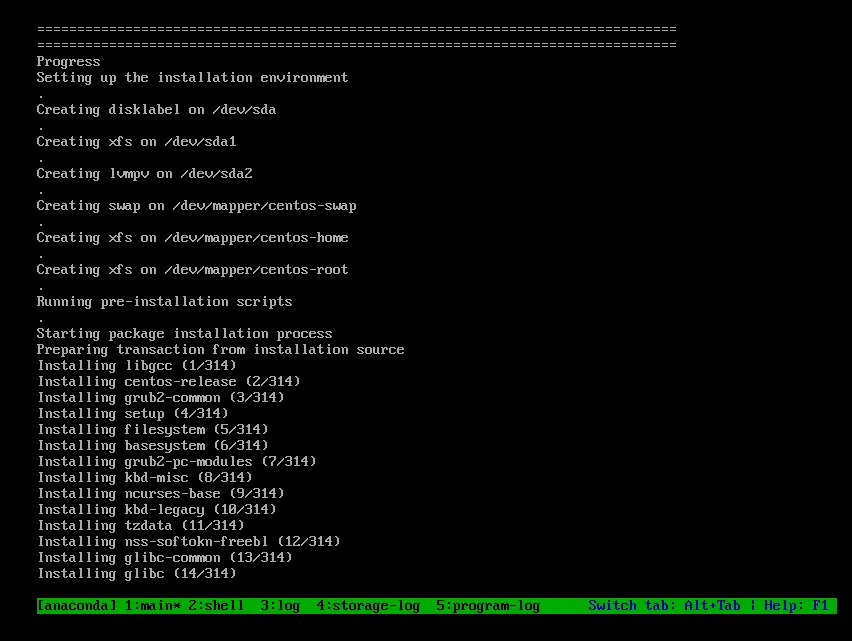
10、关于定制Kickstart实现一键安装的操作步骤
1)cd /var/lib/cobbler/kickstarts/
vi CentOS7.ks
关于ks文件可以参考之前的文章
CentOS系统下PXE服务器的搭建与部署
PXE+Kickstart实现无人值守自动化安装CentOS系统
CentOS6.9下制作一键安装的ISO系统镜像
kickstart配置文件如下,
#platform=x86, AMD64, or Intel EM64T
#version=DEVEL
# Install OS instead of upgrade
install
# Keyboard layouts
keyboard 'us'
# Root password
rootpw --iscrypted $1$.V2f7Wsz$0EdykaW/HEQoy./Zs3Tfu.
# System language
lang en_US
# System authorization information
auth  --useshadow  --passalgo=sha512
# Use network installation
url --url="http://192.168.31.200/cobbler/ks_mirror/CentOS_7.7.1908"
# Use graphical install
graphical
# SELinux configuration
selinux --disabled
# Do not configure the X Window System
skipx
# Firewall configuration
firewall --disabled
# Network information
network  --bootproto=dhcp --device=ens33 --onboot=on
# Reboot after installation
reboot
# System timezone
timezone Asia/Shanghai --isUtc
# System bootloader configuration
bootloader --location=mbr
# Clear the Master Boot Record
zerombr
# Partition clearing information
clearpart --all --initlabel
# Disk partitioning information
part /boot --fstype=ext4 --asprimary --size=1024
part / --fstype=ext4 --asprimary --size=20480
part swap --asprimary --size=16384
part pv.008006 --grow --size=200
volgroup vg_centos --pesize=4096 pv.008006
logvol /opt --fstype=ext4 --name=lv_opt --vgname=vg_centos --grow --size=200
%packages
@^infrastructure-server-environment
@base
@core
@debugging
@development
@file-server
@ftp-server
@ha
chrony
kexec-tools
%end
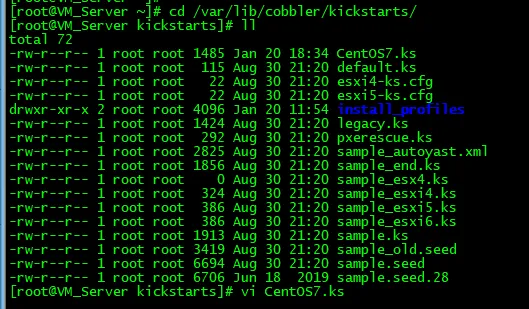
关于profile默认使用的ks是/var/lib/cobbler/kickstarts/sample_end.ks
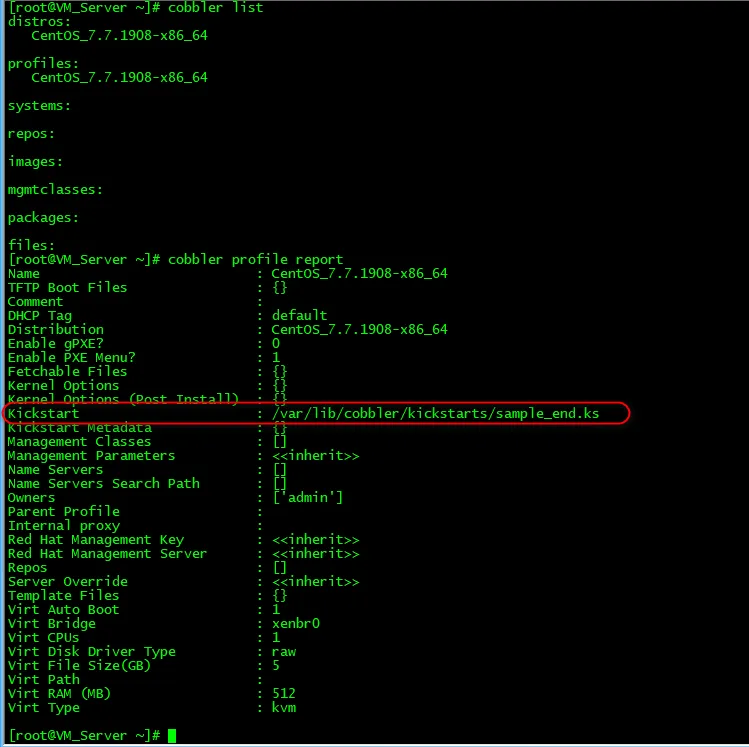
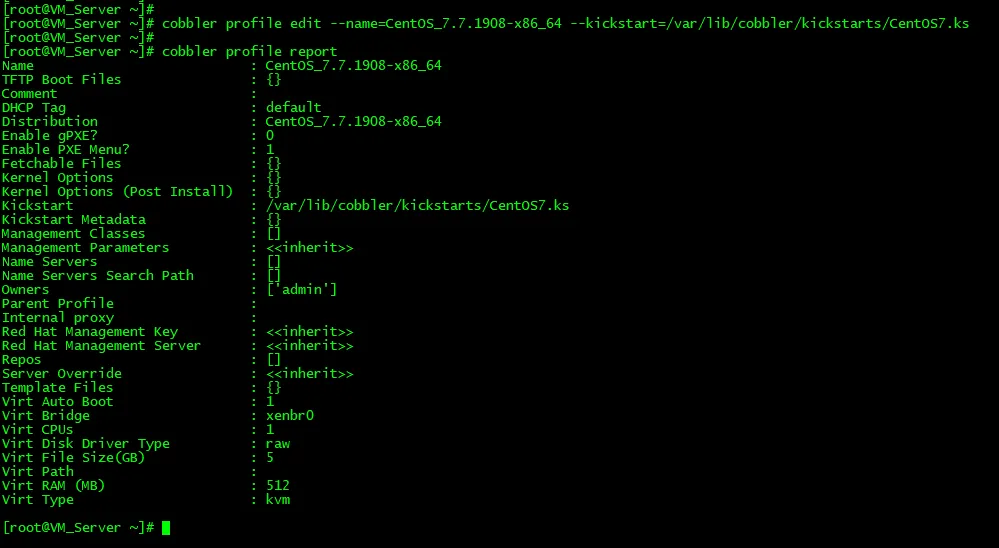
使用cobbler profile edit 进行编辑
cobbler profile edit --name=CentOS_7.7.1908-x86_64 --kickstart=/var/lib/cobbler/kickstarts/CentOS7.ks
3)
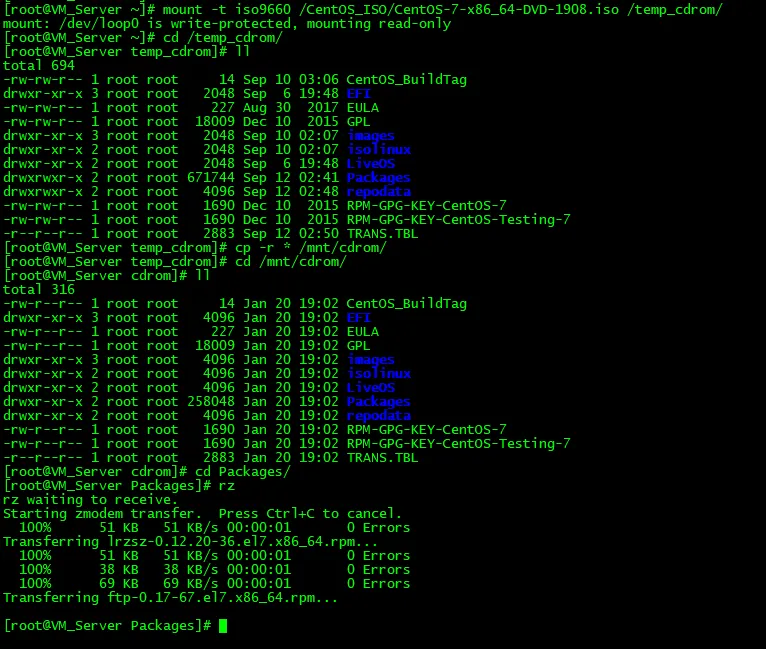
mount -t iso9660 /CentOS_ISO/CentOS-7-x86_64-DVD-1908.iso /temp_cdrom/
 cd /temp_cdrom/
cp -r * /mnt/cdrom/
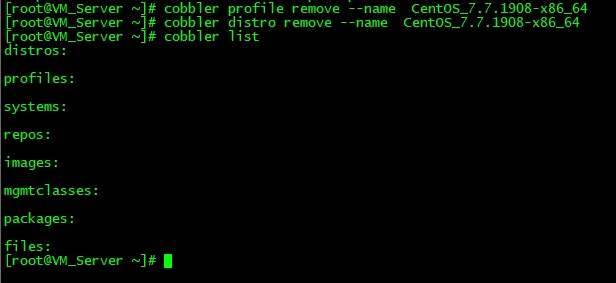
4)先删除前面的cobbler profile 和distro
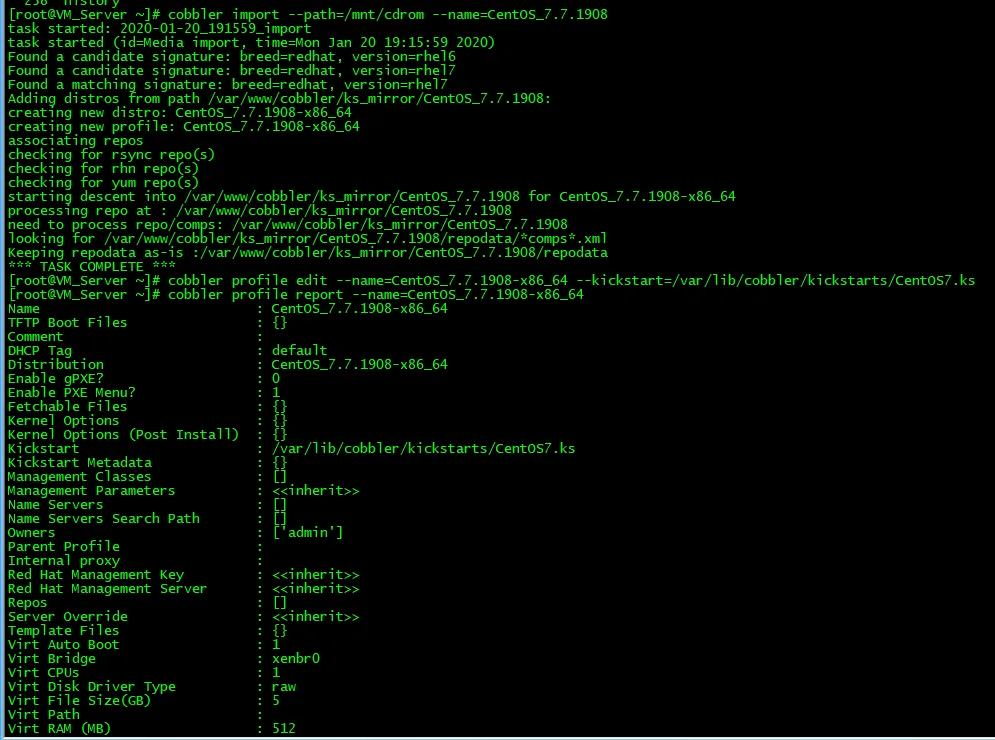
5)cobbler import --path=/mnt/cdrom --name=CentOS_7.7.1908
重新导入镜像并修改profile
6)重新启动cobblerd服务,并同步配置
systemctl restart cobblerd.service
cobbler sync
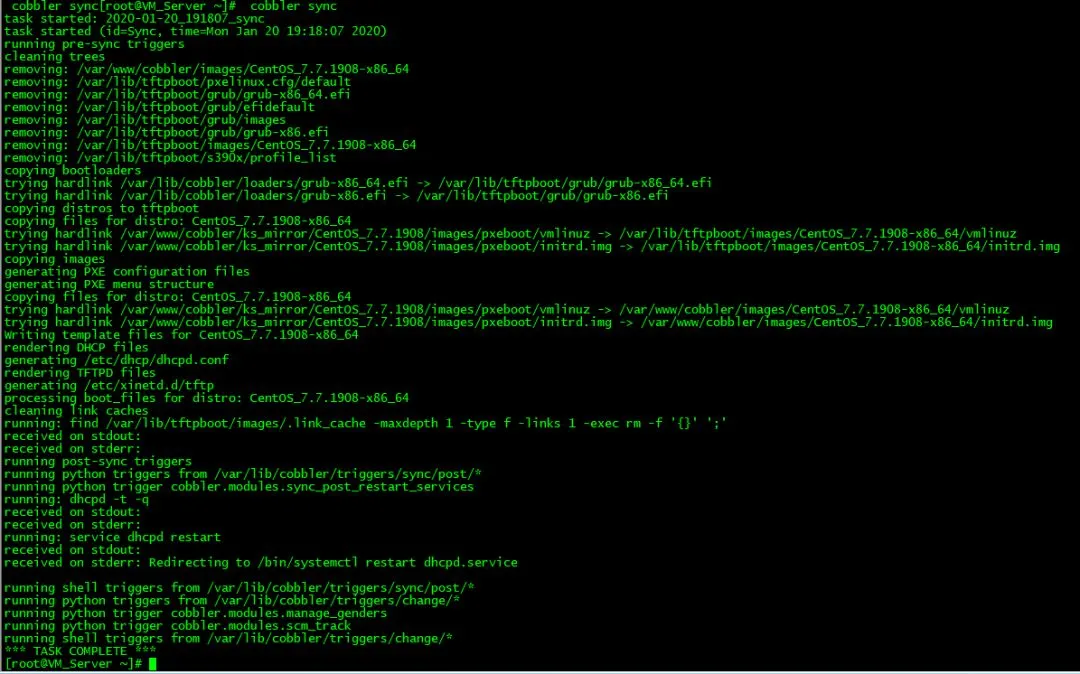
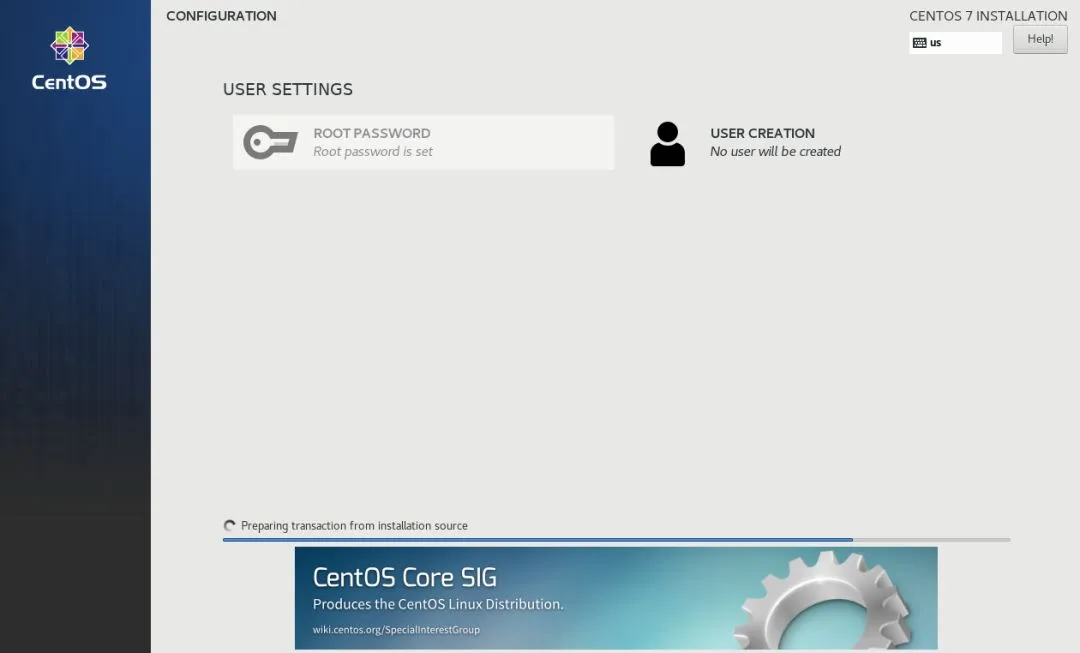
7)测试一键PXE+Kickstart自动安装,如下图所示全程无需操作可以直接实现一键安装
本次实验实现过程参考如下文章完成
1)《Linux就该这么学》公众号:实用帖:搭建Cobbler无人值守安装服务器