
1、基本概念
窗口          Stage
  -场景       Scene
    -布局     stackPane
      -控件   Button
2、最小框架代码
创建命令行应用
package com.company;
import javafx.application.Application;
import javafx.stage.Stage;
public class HelloWorld extends Application {
@Override
public void start(Stage primaryStage) throws Exception {
primaryStage.show();
}
public static void main(String[] args) {
launch(args);
}
}
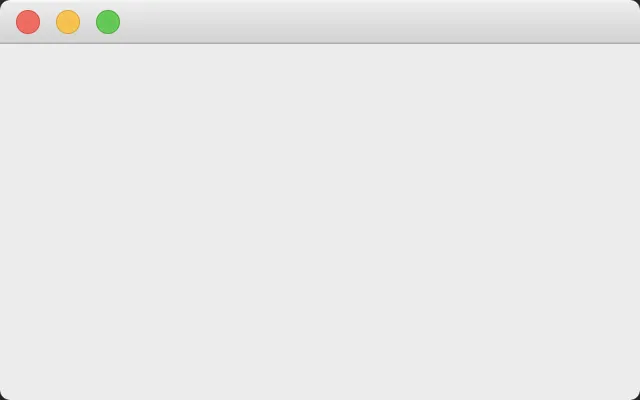
对就是啥都没有,空白的窗体
3、控件布局
package com.company;

import javafx.application.Application;
import javafx.scene.Scene;
import javafx.scene.control.Button;
import javafx.scene.layout.StackPane;
import javafx.stage.Stage;


public class Main extends Application {

    public static void main(String[] args) {
        launch(args);
    }

    @Override
    public void start(Stage primaryStage) throws Exception {
        // 实例化按钮
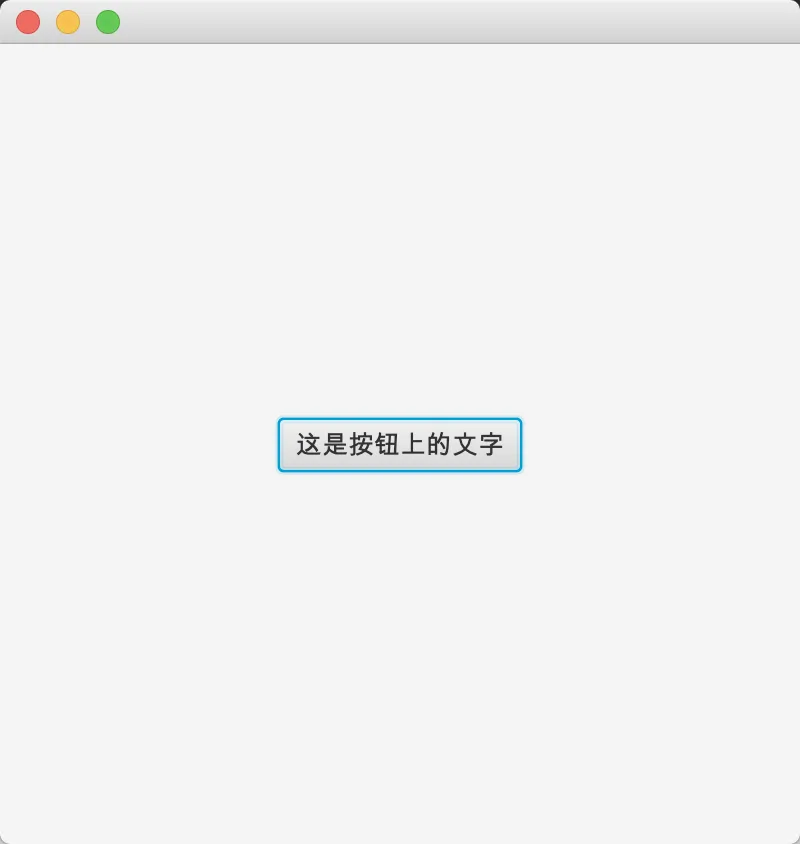
        Button button = new Button("这是按钮上的文字");

        // 创建布局控件
        StackPane stackPane = new StackPane();

        // 将button添加到布局
        stackPane.getChildren().add(button);

        // 创建场景 宽=400 高=400
        Scene scene = new Scene(stackPane, 400, 400);

        // 将场景添加到窗口
        primaryStage.setScene(scene);

        // 显示窗口
        primaryStage.show();
    }
}
4、事件添加
Main.java
package com.company;

import javafx.application.Application;
import javafx.event.EventHandler;
import javafx.scene.Scene;
import javafx.scene.control.Button;
import javafx.scene.input.MouseEvent;
import javafx.scene.layout.StackPane;
import javafx.stage.Stage;


public class Main extends Application implements EventHandler<MouseEvent> {
    private Button button;

    public static void main(String[] args) {
        // write your code here
//        System.out.println("你好");
        launch(args);
    }

    @Override
    public void start(Stage primaryStage) throws Exception {
        // 实例化按钮
        button = new Button("这是按钮");

        // 1、添加按钮点击事件, this.handle 处理事件
//        button.setOnMouseClicked(this);

//        2、使用单独实现的类 事件监听
//        button.setOnMouseClicked(new MyMouseEvent());

//        3、使用匿名类添加事件监听
        button.setOnMouseClicked(new EventHandler<MouseEvent>() {
            @Override
            public void handle(MouseEvent event) {
                System.out.println("鼠标点击按钮了");
            }
        });

//        4、jdk 8  使用简写执行一条输出
        button.setOnMouseClicked(e -> System.out.println("简写的监听事件"));

//        5、同时输出多条
        button.setOnMouseClicked(e -> {
            System.out.println("简写的监听事件1");
            System.out.println("简写的监听事件2");
        });

        // 创建布局控件
        StackPane stackPane = new StackPane();

        // 将button添加到布局
        stackPane.getChildren().add(button);

        // 创建场景
        Scene scene = new Scene(stackPane, 400, 400);

        // 给场景添加事件处理的对象
//        scene.setOnMousePressed(this);
        scene.setOnMousePressed(new MySceneMouseEvent());

        // 将场景添加到窗口
        primaryStage.setScene(scene);

        // 显示窗口
        primaryStage.show();
    }

    @Override
    public void handle(MouseEvent event) {

        // event.getSource() 获取事件对象
        if (event.getSource() == button) {
            System.out.println("点击了按钮");
        } else {
            System.out.println("点击了场景");
        }
    }
}
MyMouseEvent.java 处理鼠标点击事件的类
package com.company;

import javafx.event.EventHandler;
import javafx.scene.input.MouseEvent;

public class MyMouseEvent implements EventHandler<MouseEvent> {
    @Override
    public void handle(MouseEvent event) {
        System.out.println("MyMouseEvent click");
    }
}
MySceneMouseEvent.java 处理场景点击事件的类
package com.company;

import javafx.event.EventHandler;
import javafx.scene.input.MouseEvent;

public class MySceneMouseEvent implements EventHandler<MouseEvent> {
    @Override
    public void handle(MouseEvent event) {
        System.out.println("场景鼠标点击");
    }
}
5、场景切换
package com.company;

import javafx.application.Application;
import javafx.scene.Scene;
import javafx.scene.control.Button;
import javafx.scene.layout.StackPane;
import javafx.scene.layout.VBox;
import javafx.stage.Stage;


public class SceneChange extends Application {
    Scene scene1,  scene2;

    public static void main(String[] args) {
        launch(args);
    }

    @Override
    public void start(Stage primaryStage) throws Exception {
        // 场景1
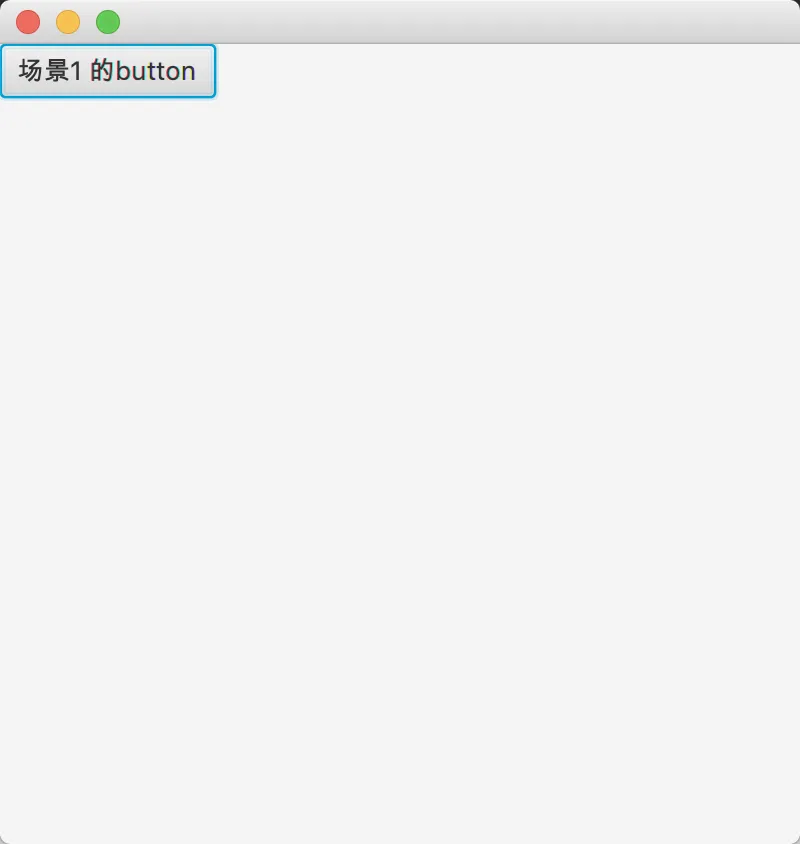
        Button button1 = new Button("场景1 的button");

        // 事件监听 点击后切换到场景2
        button1.setOnMouseClicked(e -> {
            primaryStage.setScene(scene2);
        });

        VBox vBox = new VBox();
        vBox.getChildren().add(button1);
        scene1 = new Scene(vBox, 400, 400);

        // 场景2
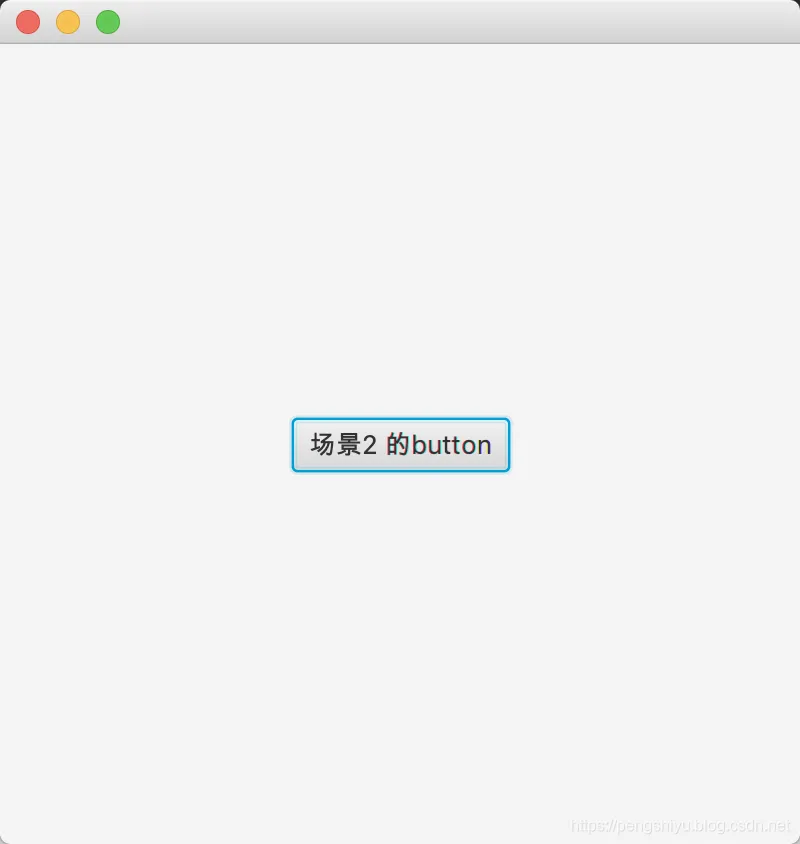
        Button button2 = new Button("场景2 的button");

        // 事件监听 点击后切换到场景1
        button2.setOnMouseClicked(e -> {
            primaryStage.setScene(scene1);
        });

        StackPane stackPane = new StackPane();
        stackPane.getChildren().add(button2);
        scene2 = new Scene(stackPane, 400, 400);

        primaryStage.setScene(scene1);
        primaryStage.show();
    }
}
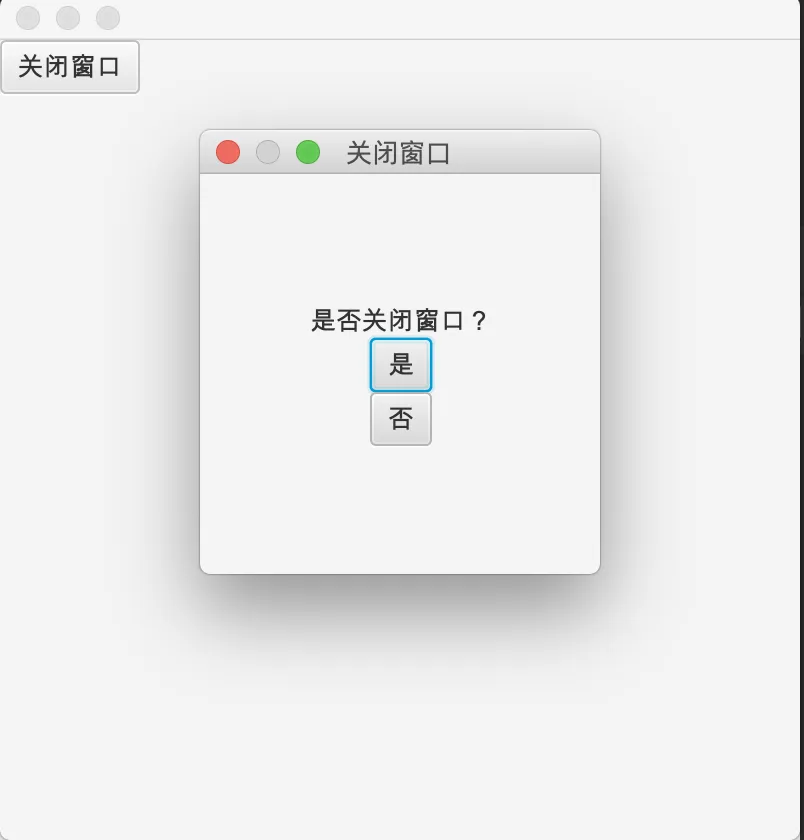
6、窗体切换
Main.java
package com.company;

import javafx.application.Application;
import javafx.scene.Scene;
import javafx.scene.control.Button;
import javafx.scene.layout.VBox;
import javafx.stage.Stage;


public class Main extends Application {
    private Stage stage;

    @Override
    public void start(Stage primaryStage) throws Exception {
        stage = primaryStage;

        // 窗口点击叉号关闭询问
        stage.setOnCloseRequest(event -> {
            event.consume();  // 消除默认事件
            handleClose();
        });

        // 布局
        Button button = new Button("关闭窗口");

        // 鼠标点击关闭窗口
        button.setOnMouseClicked(event -> handleClose());

        VBox vBox = new VBox();
        vBox.getChildren().add(button);
        Scene scene = new Scene(vBox, 400, 400);

        stage.setScene(scene);
        stage.show();
    }

    public void handleClose() {
        // 接收窗体返回值
        boolean ret = WindowAlert.display("关闭窗口", "是否关闭窗口?");
        System.out.println(ret);
        if (ret) {
            stage.close();
        }

    }

    public static void main(String[] args) {
        launch(args);
    }
}
WindowAlert.java
package com.company;

import javafx.geometry.Pos;
import javafx.scene.Scene;
import javafx.scene.control.Button;
import javafx.scene.control.Label;
import javafx.scene.layout.VBox;
import javafx.stage.Modality;
import javafx.stage.Stage;


public class WindowAlert {
    public static boolean answer;

    /**
     * @param title 标题
     * @param msg   消息
     */
    public static boolean display(String title, String msg) {
        // 创建舞台
        Stage stage = new Stage();

        // 设置显示模式
        stage.initModality(Modality.APPLICATION_MODAL);
        stage.setTitle(title);

        // 创建控件
        Button buttonYes = new Button("是");
        buttonYes.setOnMouseClicked(event -> {
            answer = true;
            stage.close();
        });

        Button buttonNo = new Button("否");
        buttonNo.setOnMouseClicked(event -> {
            answer = false;
            stage.close();
        });

        Label label = new Label(msg);

        // 创建布局
        VBox vBox = new VBox();
        vBox.getChildren().addAll(label, buttonYes, buttonNo);
        vBox.setAlignment(Pos.CENTER); // 布局居中显示

        // 创建场景
        Scene scene = new Scene(vBox, 200, 200);

        // 显示舞台
        stage.setScene(scene);
//        stage.show();
        stage.showAndWait();  // 等待窗体关闭才继续

        // 窗体返回值
        return answer;
    }
}
</div>